
Unblocked Arcade Games
99 free arcade games — no download, no install, no sign-up.
Play Unblocked Arcade Games
-

Minesweeper Infinite
-
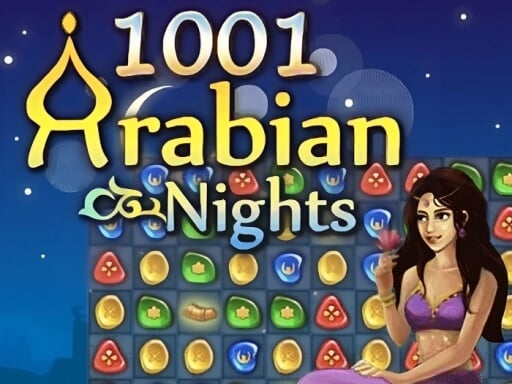
1001 Arabian Nights
-
A Long Way Home
-
Abandoned Mansion
-
About a Frog
-
AIR HOCKEY GAME
-
Air Hockey Pro
-
Airport Controller
-
Animal Guys
-
Animal Hair Salon
-
Animal Royal
-

Atom Fall
-

BanJia
-

Cave Crawl
-
Chainsaw 3D
-
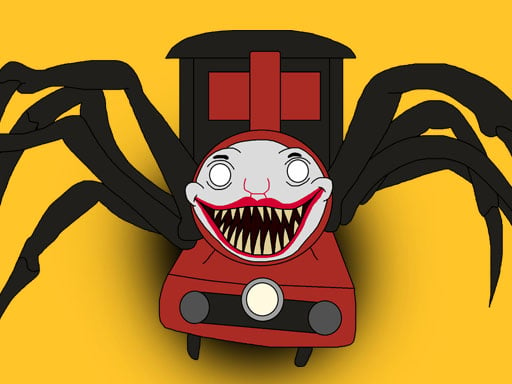
Choo Choo Charles
-
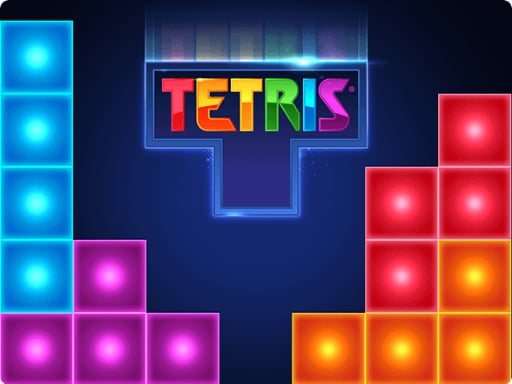
Classic Tetris
-
Climb Up!
-
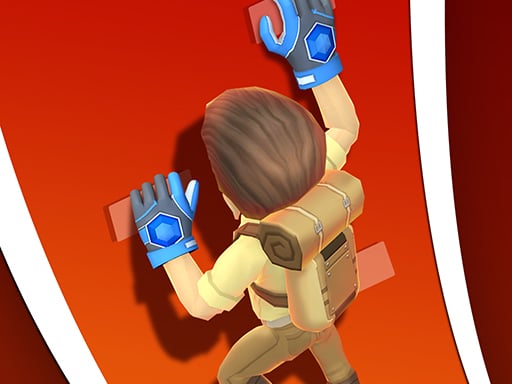
Climbing Stars
-
Color Fall
-

Connect Fruits
-
Connect Line
-
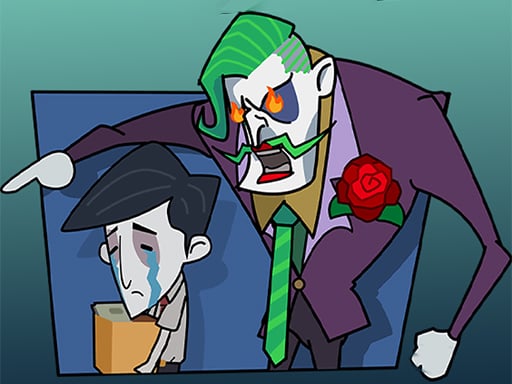
Crazy worker
-
Crowd City
-
Darts Pro
-
Disk Throw
-

Diy Clothing
-

Donkey Kong Run
-

Dont Tease Me
-
DreamBlox
-

Drop Balls
-

Dropping Gems
-
Dummies World Cup
-
Falling Elevator
-
Fishdom Online
-
Fisher Man
-

Fortune Wheel
-

Froggy Hop
-

Game Station
-
Geometry Arrow 2
-
Geometry Vibes
-

Geometry Waves
How to play unblocked Arcade games
TRPLX has 99 free unblocked arcade games you can play right in your browser — no download, no installation, no sign-up. Games like Froggy Hop, Ping Pong and 1001 Arabian Nights load in seconds, and because there's nothing to install they run on a school Chromebook or any locked-down device. Whether the site loads is up to your network's filters, set by your school or IT admin — we don't bypass those.
Unblocked arcade games are pick-up-and-play: most use a single click, tap, or the spacebar for one core action, with timing being the whole challenge. Watch the pattern, react at the right instant, and chase a better score each run. Rounds are short, so a fail just means one more go. There is nothing to install and no sign-up — they load in a browser tab in seconds, which is what makes them easy to squeeze in on a Chromebook.
Browse the full library of arcade games, or head back to the complete unblocked games collection.
More Unblocked Games
Frequently Asked Questions
What are the best unblocked arcade games?
Unblocked arcade games you can play on TRPLX include Froggy Hop, Ping Pong, 1001 Arabian Nights, A Long Way Home and Abandoned Mansion — all free to play in your browser with no download, and every one runs on a school Chromebook.
How do you play unblocked arcade games?
Most of these games use a single click, tap, or the spacebar for one core action — timing is the whole challenge. Rounds are short so you just try again. Everything runs in the browser with no download.
Are these arcade games free?
Yes — all 99 arcade games here are completely free, with no download, no installation, and no sign-up. Click any game and it starts playing in your browser.
Do unblocked arcade games work on a school Chromebook?
Yes. Every arcade game here is built with HTML5 and runs in a normal browser tab, so there is nothing to install on a Chromebook or managed device. Whether the site itself loads depends on your network's filters, which are set by your school or IT administrator — we don't bypass those.
How many unblocked arcade games are there on TRPLX?
TRPLX has 99 free unblocked arcade games, led by Froggy Hop, Ping Pong and 1001 Arabian Nights. New titles are added regularly and all of them play instantly in the browser.