
Unblocked Car Games
149 free car games — no download, no install, no sign-up.
Play Unblocked Car Games
-
Retro Drift
-

Ambulance Driver
-
Ambulance Parking
-
Cars Lightning Speed
-
Cars Race
-
Cars Racing
-
City Car Driving Simulator
-
City Parking
-

City Police Cars
-
Crash Race
-
Crazy Car
-
Crazy Car Drive
-
Crazy Drift
-
Crazy Driving
-
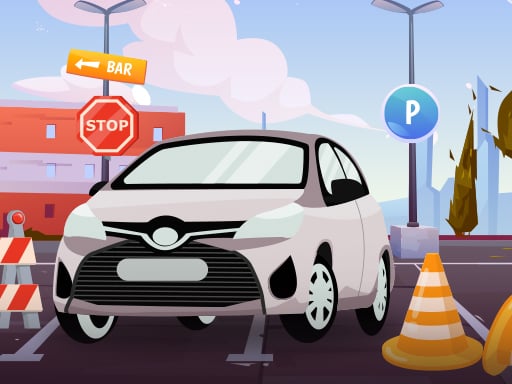
Crazy Parking
-
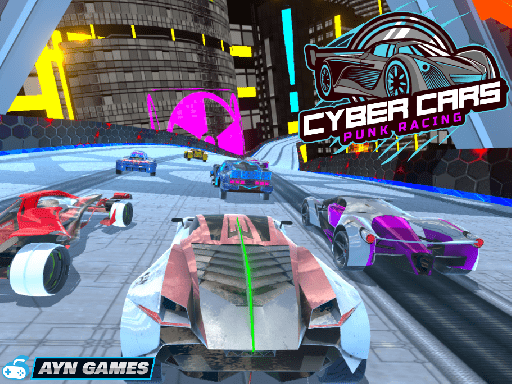
Cyber Cars Punk Racing
-
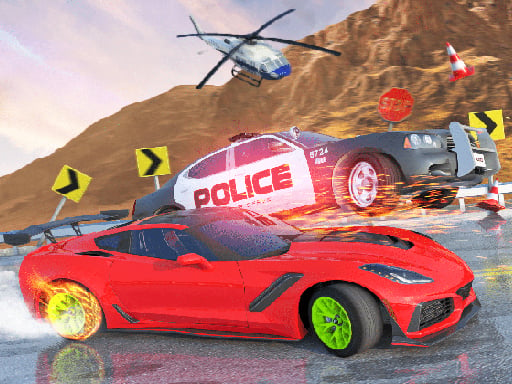
Death Race 2
-
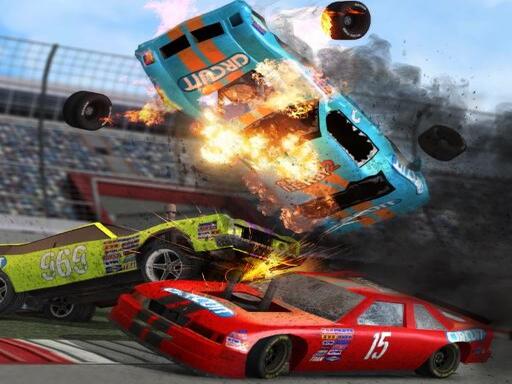
Demolition Derby Car Game
-
Dr. Driving
-
Dr. Parking
-
Drag Car Racing
-
Drag Race
-
Draw Car Race
-
Drift Cars
-
Drift Fury
-
Drift Hunt
-
Drift Master
-
Drift Max Pro
-
Drift on Snow
-
Drift Rider
-
Drift the Car
-
Drifting Mania
-
Drifty Drive
-
Drifty Master
-
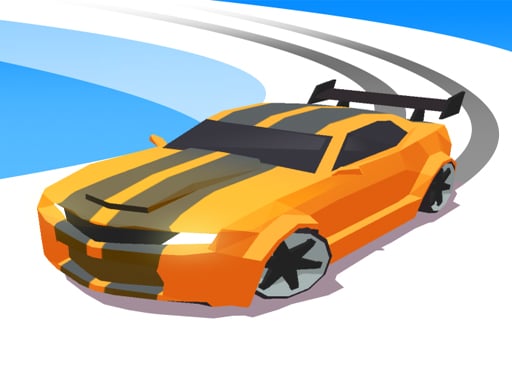
Drifty Race Game
-

Drink Drive
-
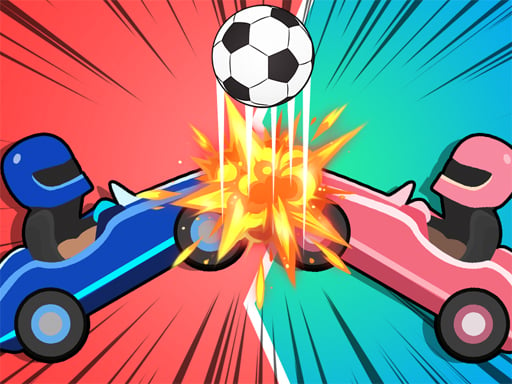
Drive Ahead Sports
-
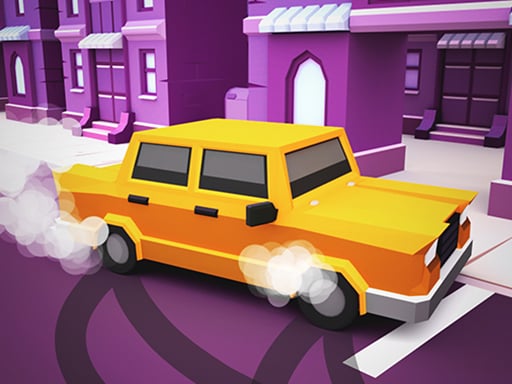
Drive and Park
-

Drive Mad 2
-

Drive Zone
-

Drive.IO
-
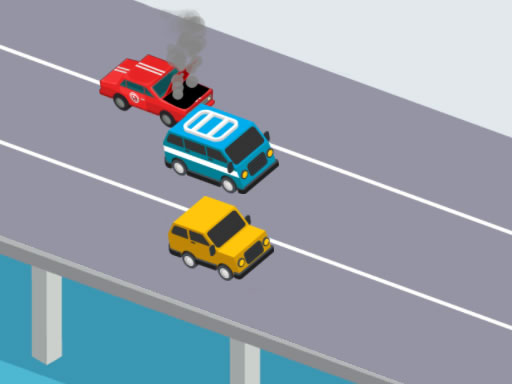
Driver Highway
How to play unblocked Car games
TRPLX has 149 free unblocked car games you can play right in your browser — no download, no installation, no sign-up. Popular picks like Drive Mad 2, Mega Ramp Car Stunts and Speed Demons Race load in seconds, and because there's nothing to install they run on a school Chromebook or any locked-down device. Whether the site loads is up to your network's filters, set by your school or IT admin — we don't bypass those.
Most unblocked car games use the arrow keys or WASD to steer: up to accelerate, down to brake or reverse, and left/right to turn. Hold the brake while cornering to drift, then straighten out and hit the gas to power out of the turn. Many titles add a boost on the spacebar or shift. Everything runs in the browser tab, so there is nothing to install — just click a car and drive.
Browse the full library of car games, or head back to the complete unblocked games collection.
More Unblocked Games
Frequently Asked Questions
What are the best unblocked car games?
The best unblocked car games on TRPLX are Drive Mad 2, Mega Ramp Car Stunts, Speed Demons Race, Cars Lightning Speed and Drive Ahead Sports — all free to play in your browser with no download. They are the most-played car games in our library and every one runs on a school Chromebook.
How do you play unblocked car games?
You steer with the arrow keys or WASD — up to accelerate, down to brake, left and right to turn — and most games boost with the spacebar or shift. Everything runs with the keyboard in your browser.
Are these car games free?
Yes — all 149 car games here are completely free, with no download, no installation, and no sign-up. Click any game and it starts playing in your browser.
Do unblocked car games work on a school Chromebook?
Yes. Every car game here is built with HTML5 and runs in a normal browser tab, so there is nothing to install on a Chromebook or managed device. Whether the site itself loads depends on your network's filters, which are set by your school or IT administrator — we don't bypass those.
How many unblocked car games are there on TRPLX?
TRPLX has 149 free unblocked car games, led by Drive Mad 2, Mega Ramp Car Stunts and Speed Demons Race. New titles are added regularly and all of them play instantly in the browser.