
Unblocked Running Games
Play 64 free running games right in your browser — no download, no installation, no sign-up. Nothing to install means they run on Chromebooks and other locked-down school and work computers.
Play Unblocked Running Games
-

Backflip Parkour
-

Ball Runner 3D
-

Coin Running
-

Cuphead Running
-

Dancing Road: Color Ball Run!
-

Extreme Parkour
-
fall guys oi
-

Fit Runner
-

Flag Runner
-

Jelly Runner
-
Jump and Run
-

Ladder Run
-
Monsters Run
-

Motorcycle Run
-

Mr. Jones
-
Nap Time
-

Naruto Runner Game
-
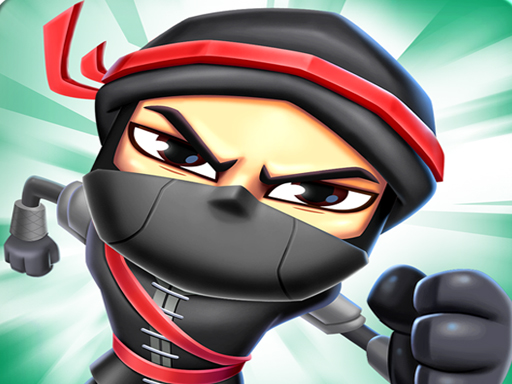
Ninja Runs
-

Number Master Run And Merge
-
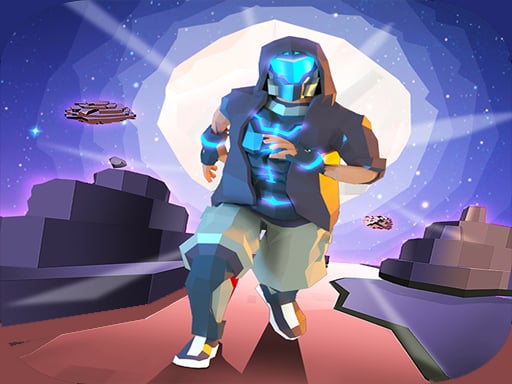
Parkour Runner
-
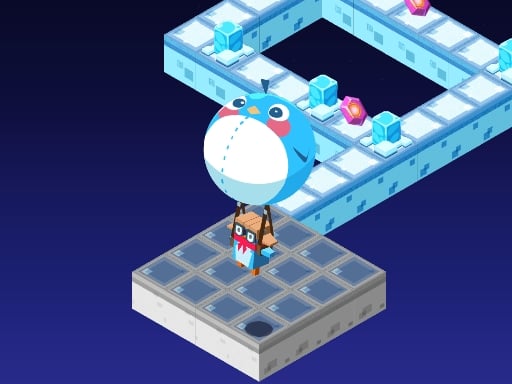
Penguin Dash
-

Rabbit Run
-
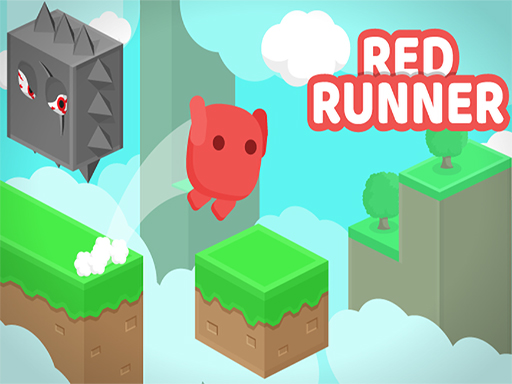
red Runner
-

RedRunner
-
Robot Runner
-

Rogue Runner
-
Rooftop Run
-

run and jump
-
Run Man
-

Run Ninja Run
-
Run or die
-
Running Fred
-

Santa Dash
-

Santa Runner
-
Shadow Runner
-

Sheep Run
-

Sky Run
-
Sky Runners
-
slope game
-

sonic run
-

Sonic Runners
-

spongebob run
About Unblocked Running Games
A running game is "unblocked" when it runs directly in your web browser instead of needing an app you have to install. Every running game on TRPLX is HTML5, so it loads on a normal browser tab — nothing to download, nothing to install, no account. That's what makes them playable on Chromebooks and managed school devices.
Browse more in all Running games, or head back to the full unblocked games collection.
More Unblocked Games
Frequently Asked Questions
What are unblocked running games?
Unblocked running games are running games that play instantly in your browser with no download and no installation. Because there's nothing to install, they run on Chromebooks and other locked-down school or work computers. TRPLX hosts 64 free running games you can play right now.
Are these running games free?
Yes — every running game here is completely free, with no download, no installation, and no sign-up. Just click and play.
Do they work on a school Chromebook?
They're built with HTML5 and run in a normal browser tab, so they work on Chromebooks and managed devices without installing anything. Whether the site itself loads depends on your network's filters, set by your school or IT administrator.